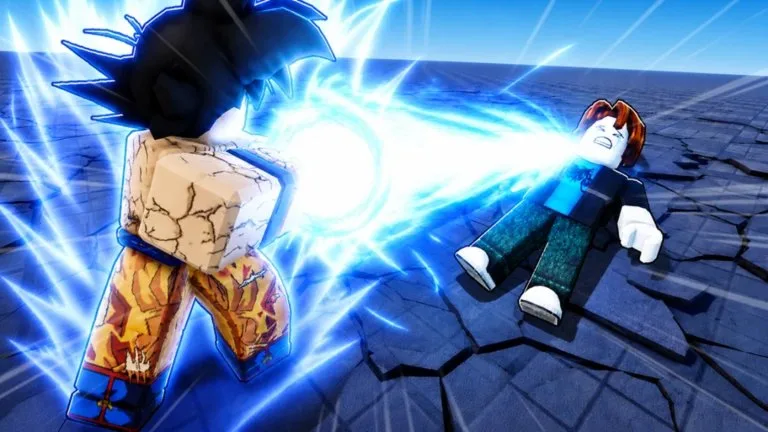
Roblox lists PC, mobile, tablet, Xbox, and PlayStation for this experience. Voice chat and camera are marked not supported on the public game page. Avatars use a Morph to R6 setting on the universe record.
PC roles that repeat across reports
| Role | PC report |
|---|---|
| Basic attack | M1 / left click |
| Light ability | E |
| Heavy ability | R |
| Dash | Q |
Those letters stay useful while the move names change. Diyo's reported light move is Stand Barrage and the heavy move is Road Roller. Mako's light move is Phase Slam and the heavy move is Unleash. Ultra Instinct's reported pair is Divine Punch and Divine Beam. "Press E then R" is not a combo until you have seen the recovery.
Controller charts do not match
One Diyo capture mapped Punch to B, Dash to Y, Stand Barrage to RT, and Road Roller to LT. A controls summary of other captures mapped the light role to B and the heavy role to Y, with Dash on a trigger. Both cannot be the permanent layout. Read the glyphs on the action bar, press one button on flat ground, and name the role by what happens.
Xbox and PlayStation prompts can differ, and Roblox accessibility settings can move them. If the pad does nothing, reconnect it and confirm Roblox still sees the controller. If only one move is wrong after you buy a character, you may still be spawned on the old kit. Select the character again and respawn before you pay twice.
Touch
Use the on-screen move names after you equip a character. Keep the camera clear of the thumb that taps attacks, and find the movement button before you approach water. If the animation is late, lower the graphics quality and change servers before you assume the button is wrong.
A five-minute drill
- Walk a circle while the camera stays on solid ground.
- Dash once in each direction from the center and stop before the edge.
- Find the farthest basic attack that still connects.
- Use the light move on a moving player without immediately using the heavy move.
- Leave toward the center.
Some moves pick the nearest player instead of your cursor. Mako's reported Phase Slam does this, and it may fail to climb stairs. Test that away from a crowd so a "wrong target" is not a mystery input.
Chat focus, an open Roblox menu, or a cooldown can make a key look broken. Click back into the game and try the basic attack once. Do not install a macro or an auto-combat script to fix a button. The experience rules ban exploiting and cheating.